

Requirements
- You’ve created a Runpod account.
- You’ve created a Runpod API key.
- You’ve installed Python.
- (For gated models) You’ve created a Hugging Face access token.
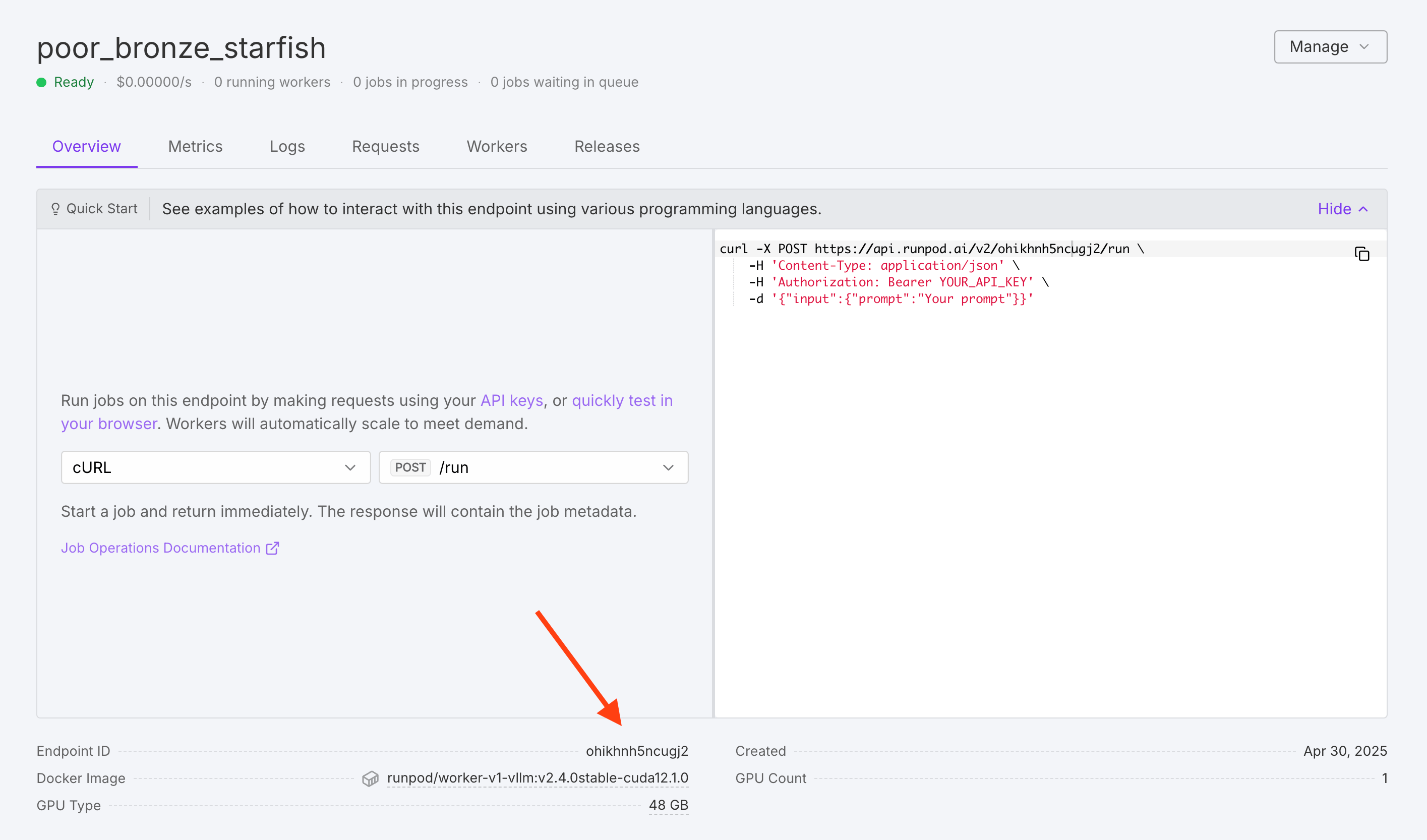
Runpod API requests
Runpod’s native API provides additional flexibility and control over your requests. These requests follow Runpod’s standard endpoint operations format.Python Example
Replace[RUNPOD_API_KEY] with your Runpod API key.
cURL Example
Run the following command in your local terminal, replacing[RUNPOD_API_KEY] with your Runpod API key and [RUNPOD_ENDPOINT_ID] with your vLLM endpoint ID.
Request formats
vLLM workers accept two primary input formats:Messages format (for chat models)
Prompt format (for text completion)
Request input parameters
vLLM workers support various parameters to control generation behavior. Here are some commonly used parameters:
You can find a complete list of request input parameters on the GitHub README.
Error handling
When working with vLLM workers, it’s crucial to implement proper error handling to address potential issues such as network timeouts, rate limiting, worker initialization delays, and model loading errors. Here is an example error handling implementation:Best practices
Here are some best practices to keep in mind when creating your requests:- Use appropriate timeouts: Set timeouts based on your model size and complexity.
- Implement retry logic: Add exponential backoff for failed requests.
- Optimize batch size: Adjust request frequency based on model inference speed.
- Monitor response times: Track performance to identify optimization opportunities.
- Use streaming for long responses: Improve user experience for lengthy content generation.
- Cache frequent requests: Reduce redundant API calls for common queries.
- Handle rate limits: Implement queuing for high-volume applications.